Naked DWM
2025-05-01
Zero dwm patches...
Inspiration from Bread on Penguins and BugsWriter
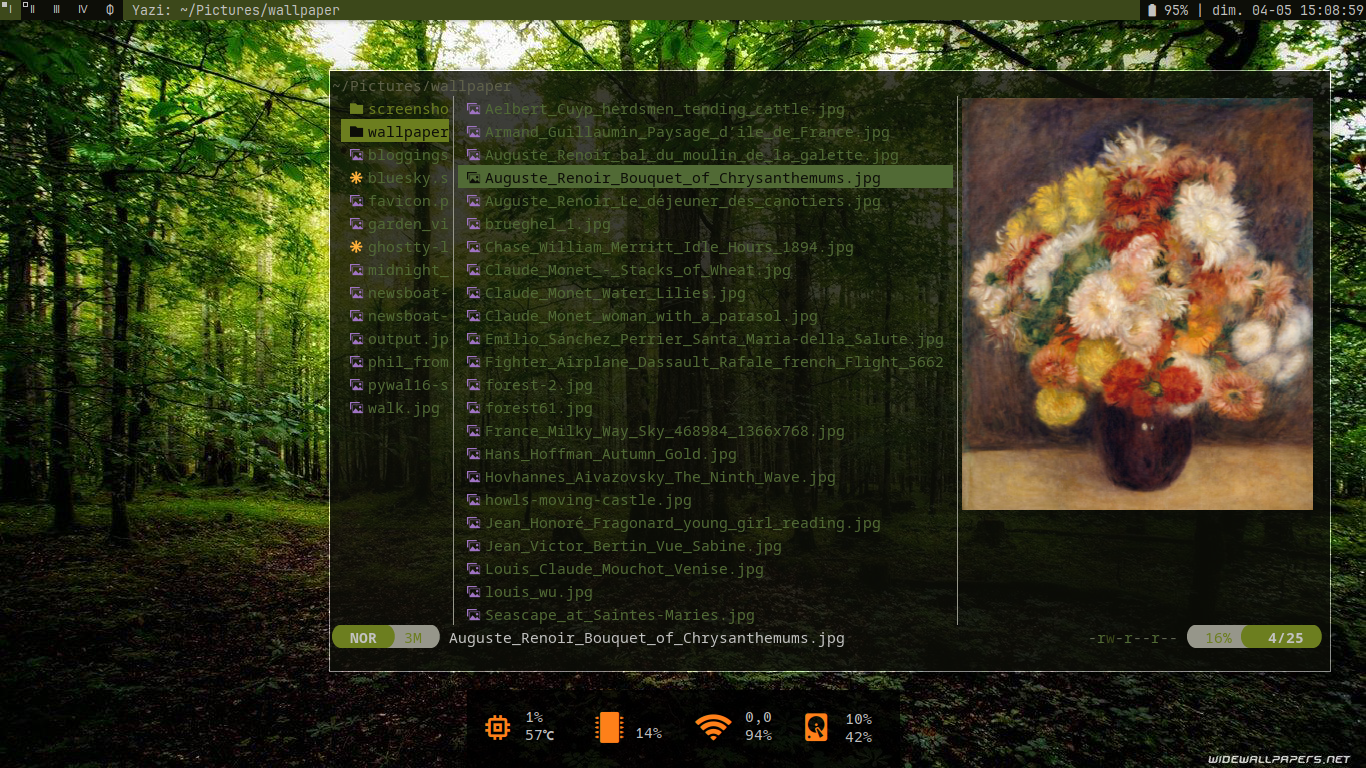
I've been messing with DWM patches but I went back to naked DWM. The only caveat is a couple of lines of code in dwm/config.h to integrate Pywal16, that allows me to have a colour theme that matches whatever wallpaper I'm using.
It's possible to patch DWM with the Xresources patch but patches are version dependant and can be a pain. I prefer simple and maintainable.
Install pywal16
yay -S python-pywal16
Modify dwm/config.h
In dwm/config.h I removed the default colour settings:
static const char col_gray1[]       = "#222222";
static const char col_gray2[]       = "#444444";
static const char col_gray3[]       = "#bbbbbb";
static const char col_gray4[]       = "#eeeeee";
static const char col_cyan[]        = "#005577";
static const char *colors[][3]      = {
	/*               fg         bg         border   */
	[SchemeNorm] = { col_gray3, col_gray1, col_gray2 },
	[SchemeSel]  = { col_gray4, col_cyan,  col_cyan  },
};
and replaced them with this line:
/* Pywal16 */
#include "/home/philip/.cache/wal/colors-wal-dwm.h"
xinitrc
In my .xinitrc I have wal -Rq which recalls the last wallpaper setting.
Chooser script
This script chooses the wallpaper then recompiles dwm and dmenu.
#!/usr/bin/env bash
# Choose a wallpaper
# requires nsxiv, pywal16
# ~/.local/bin is in PATH

FOLDER=~/Pictures/wallpaper
# thumbnail display of images
CHOICE=$(nsxiv -otb $FOLDER/*)

wal -i $CHOICE

# Post process

# DWM
cd ~/.local/src/dwm
make clean ; make
rm -f ~/.local/bin/dwm
cp dwm ~/.local/bin

# DWMMENU
rm -f ~/.local/dmenu*
cd ~/.local/src/dmenu
make clean ; make
cp {dmenu,dmenu_run,dmenu_path} ~/.local/bin